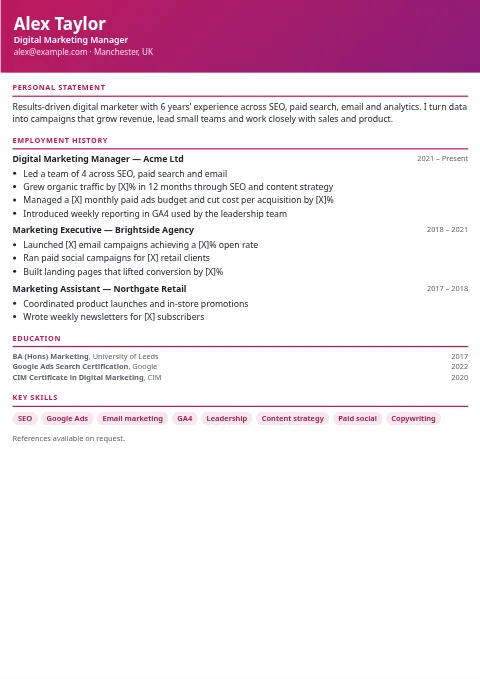
 ModernProfessional · Simple
A gradient header band and crisp pink section rules. A safe, contemporary all-rounder for most office roles.
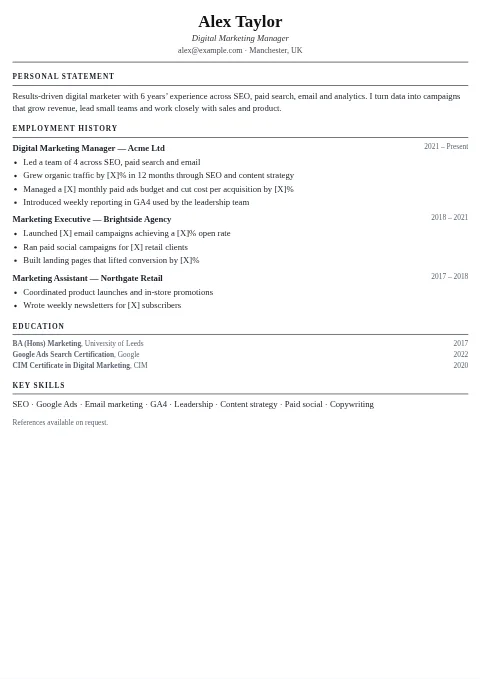 ClassicProfessional · ATS
Georgia serif, centerd name and thin black rules: the traditional layout that recruiters in law, finance and the public sector expect.
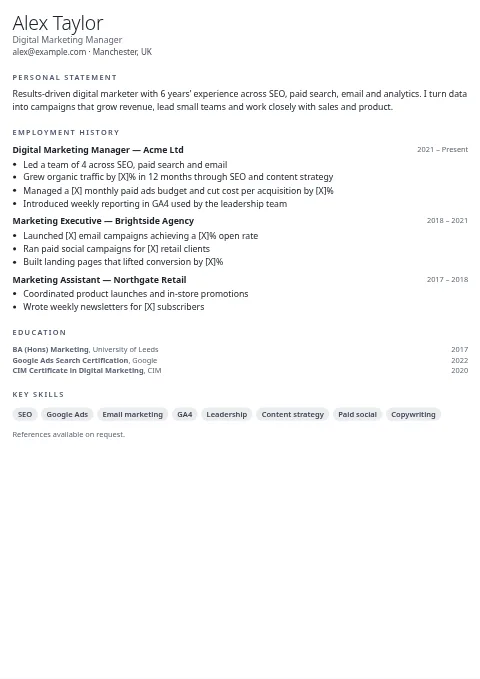 MinimalSimple · ATS
Light-weight name, generous white space and borderless headings, so your achievements do all the talking.
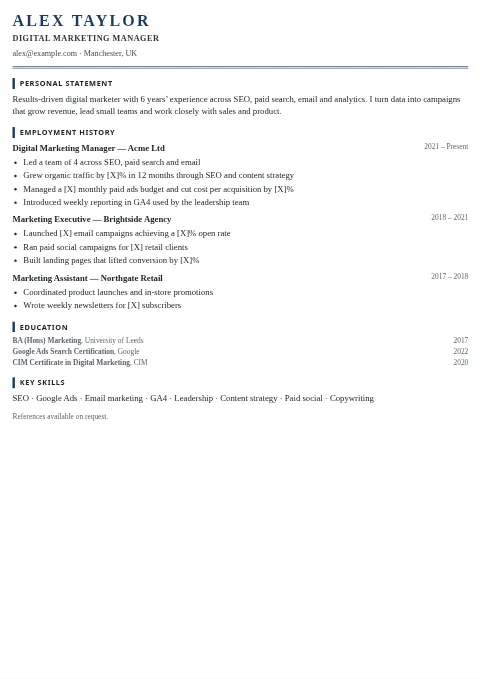 ExecutiveProfessional · ATS
Large letter-spaced serif name over a double rule, with accent bars beside each heading. Built for directors and senior managers.
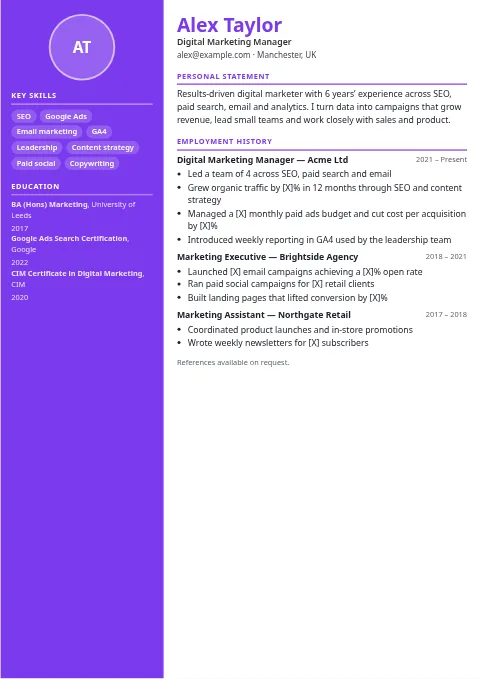 Creative SidebarCreative · Photo optional
Full-height colored sidebar holding contact details, skills and education, beside a roomy main column for your experience.
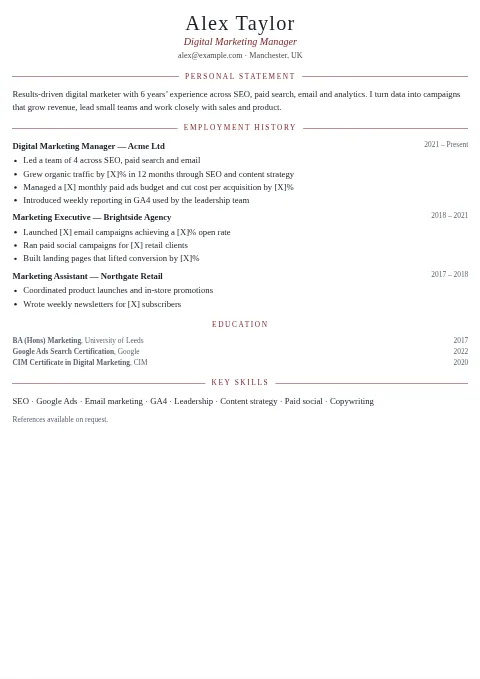 Elegant SerifProfessional · ATS
Palatino typography with headings centerd between fine lines: refined and quiet, a strong fit for hospitality, the arts and consulting.
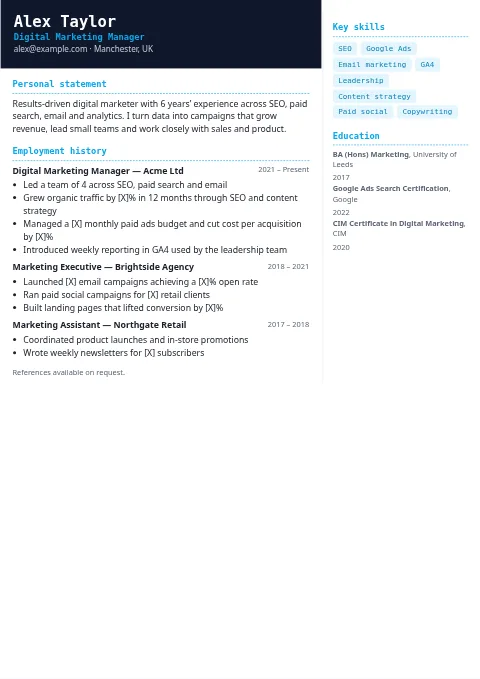 Tech / DeveloperCreative · Professional
A dark slate header, monospace headings and code-style skill chips, with a slim right column for your stack.
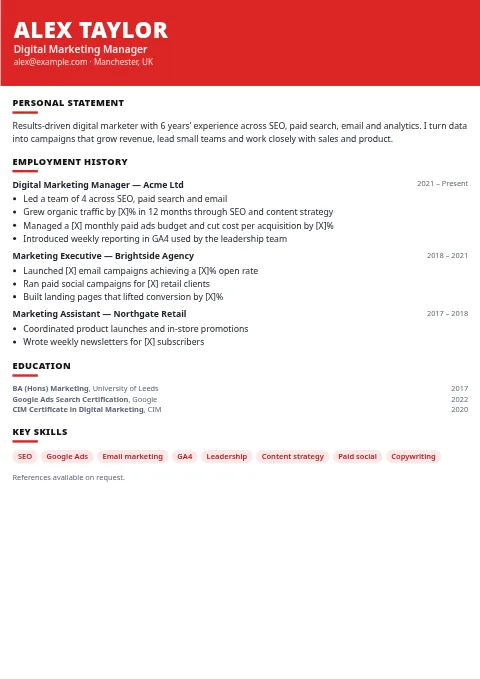 Bold Header BandCreative
An oversized uppercase name on a solid color band, with short heavy underlines that make each section easy to scan.
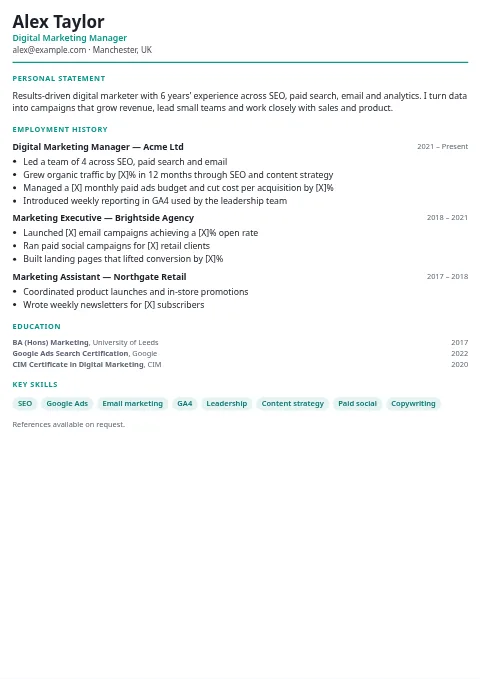 TimelineCreative · Professional
Jobs hang from a vertical line with dot markers, showing career progression at a glance.
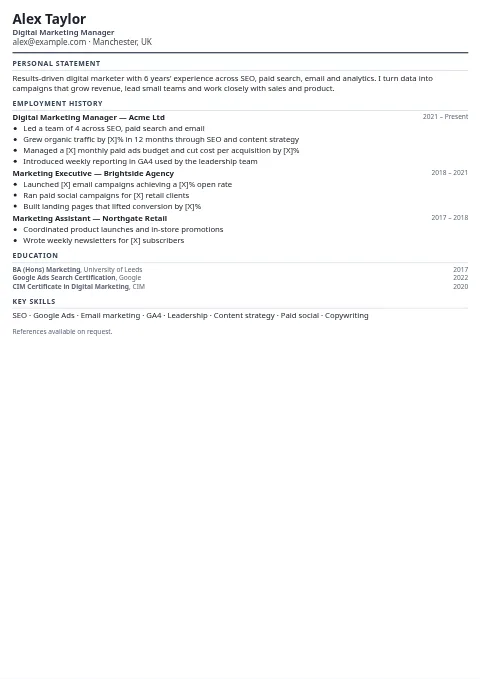 Compact One-PageSimple · ATS
Tighter type and spacing so a full career fits on a single page. Handy for US resumes and short applications.
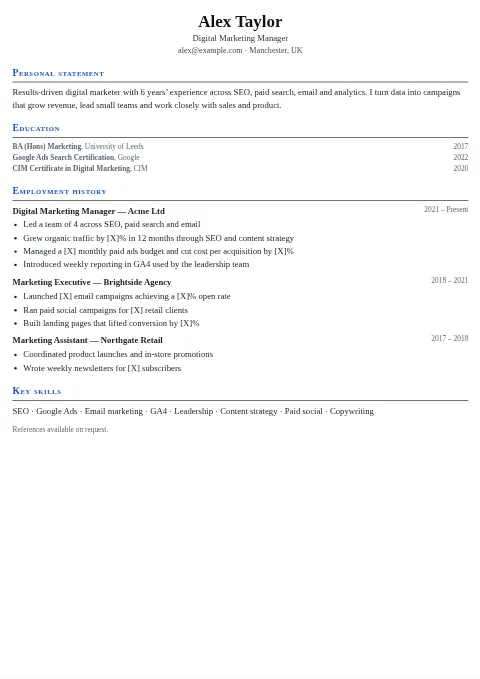 AcademicProfessional · ATS
Education comes first, with small-caps headings and full-width rules. Suits researchers, lecturers and PhD applicants.
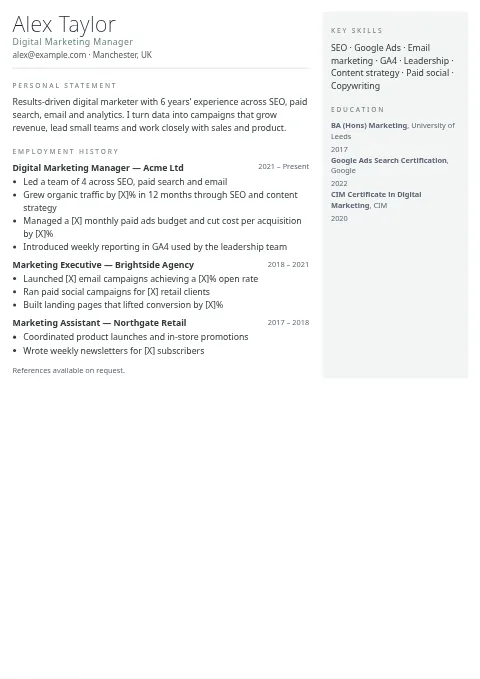 Nordic MinimalSimple
Thin type, muted sage accent and an airy right column. Scandinavian restraint with plenty of breathing room.
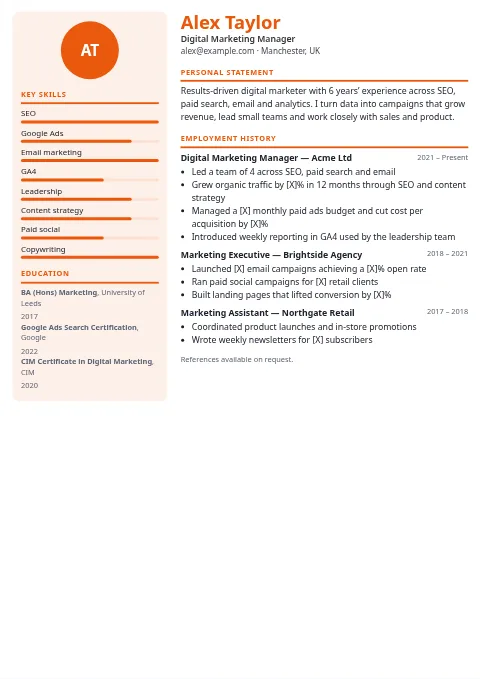 Infographic SkillsCreative · Photo optional
A tinted sidebar with optional skill-level bars: add a level such as "SEO:4" (1 to 5) to show a bar.
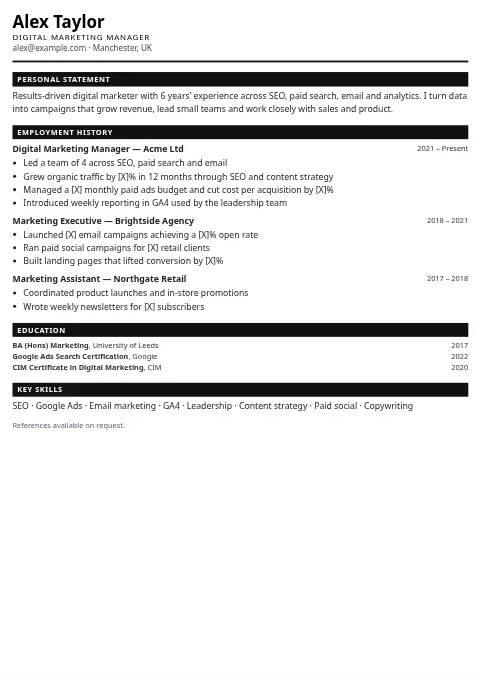 MonochromeSimple · ATS
Black-and-white with inverted heading bars. Prints well on any office printer and stays sharp when photocopied.
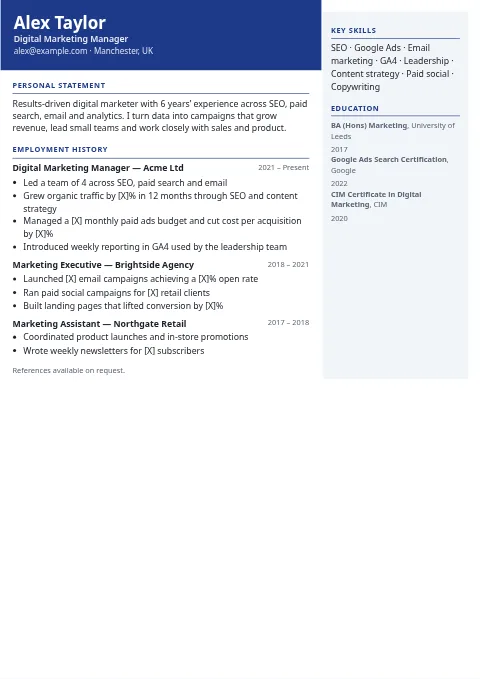 Corporate NavyProfessional
A deep navy header and a light grey side panel. A dependable choice for banking, insurance and corporate roles.
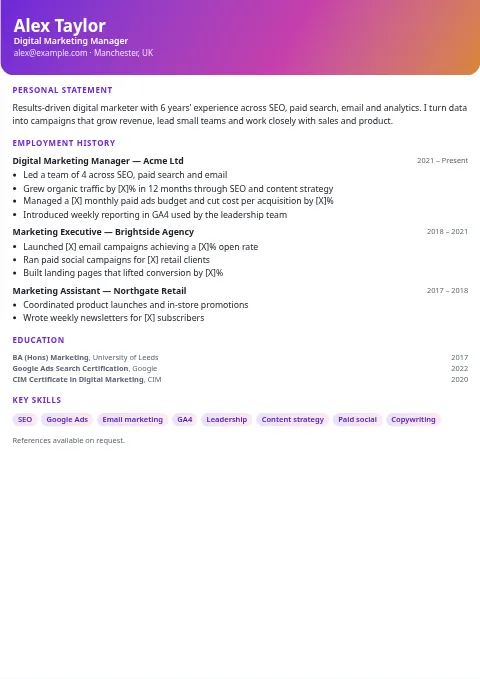 Startup GradientCreative
A vivid two-tone gradient header with rounded corners and pill skills, made for product and growth roles.
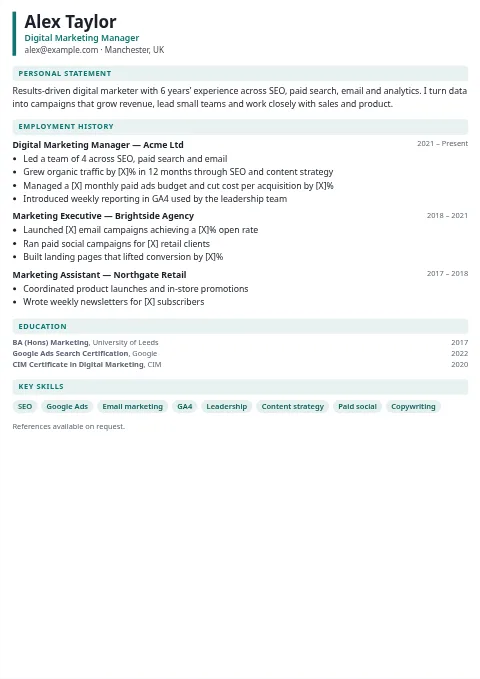 Healthcare CleanProfessional · Simple
A calm teal accent, a left-edge header marker and soft tinted headings. Clear for nurses, carers and clinicians.
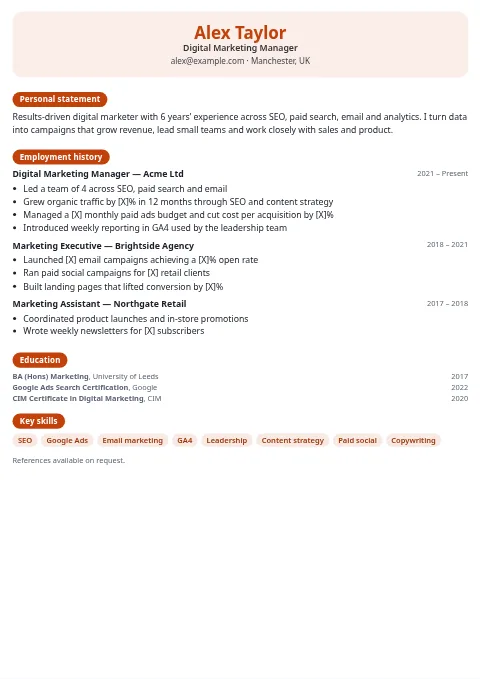 Teacher FriendlySimple
Warm, rounded and approachable, with a softly tinted header and pill headings. Good for education and childcare roles.
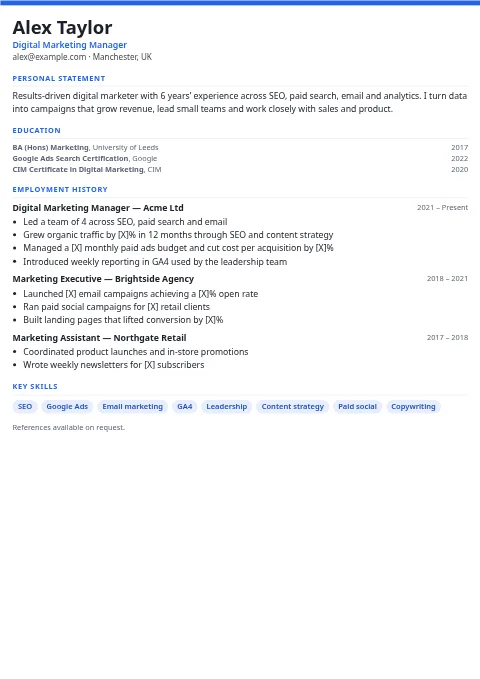 GraduateSimple · ATS
A thin accent stripe, education placed above experience, and clean sans-serif type. Ideal for first jobs and internships.
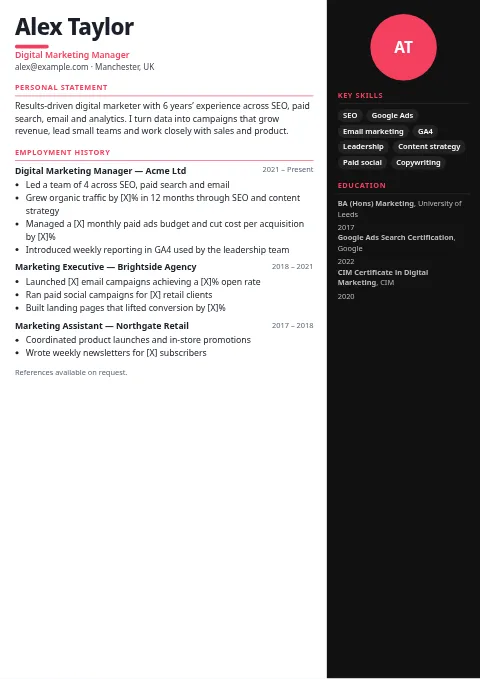 Designer PortfolioCreative · Photo optional
A dark right panel with optional photo or initials, a big name with an accent dot, and room for portfolio links.
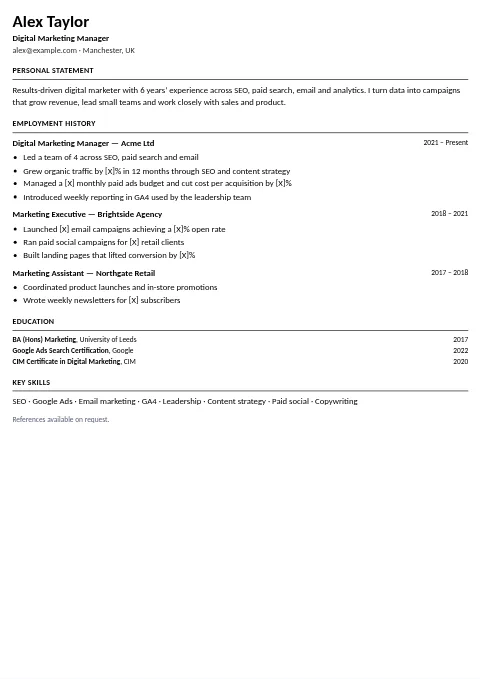 ATS-Friendly PlainATS · Simple
A single column of standard fonts and headings, with no tables, columns or icons. The safest layout for automated screening.
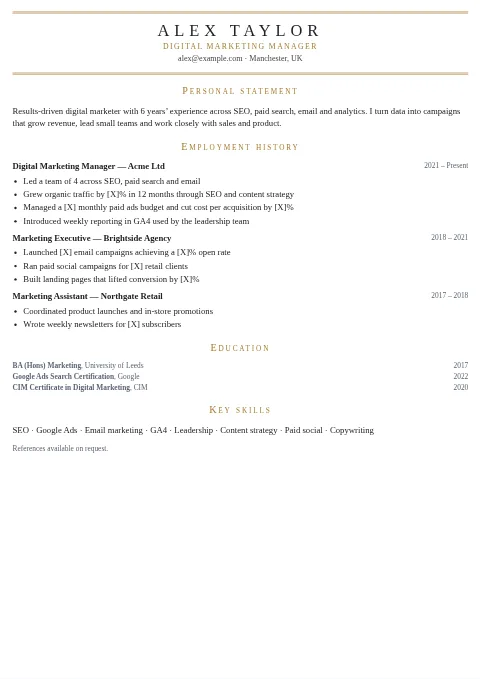 Luxury Gold AccentProfessional
Fine gold double lines, an uppercase letter-spaced serif name and small-caps headings. Polished, for premium brands and senior hospitality.
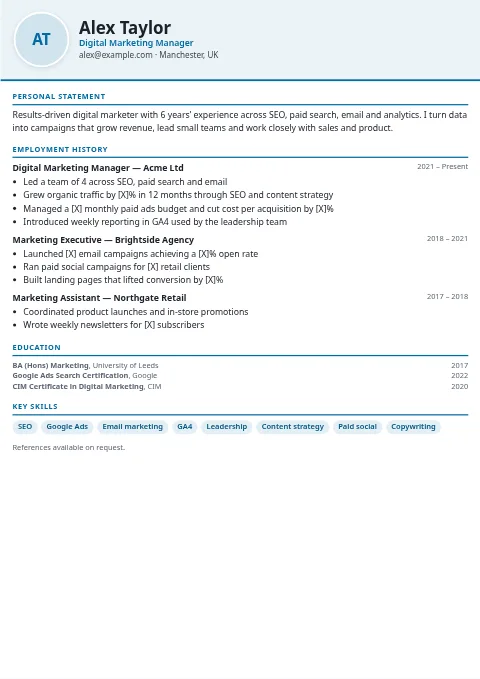 Photo-Optional ModernCreative · Professional · Photo optional
A round photo slot that shows your initials if you skip the photo. Use it where photos are customary; most UK and US employers prefer none.
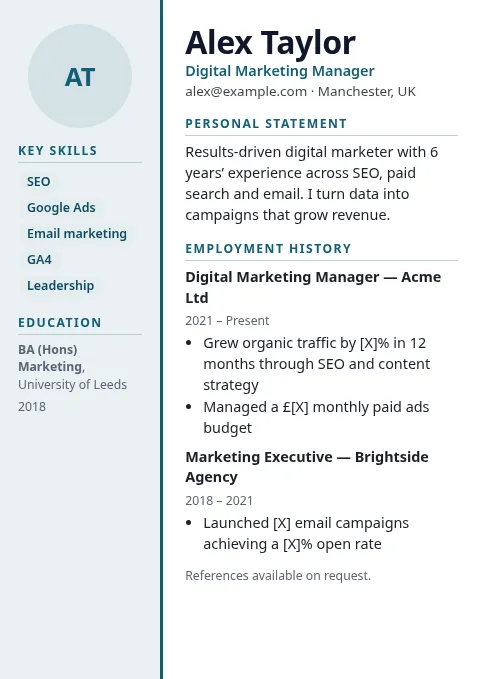 Harbor SidebarProfessional · Creative
A calm tinted sidebar with a strong accent edge. Good for office, operations and project roles.
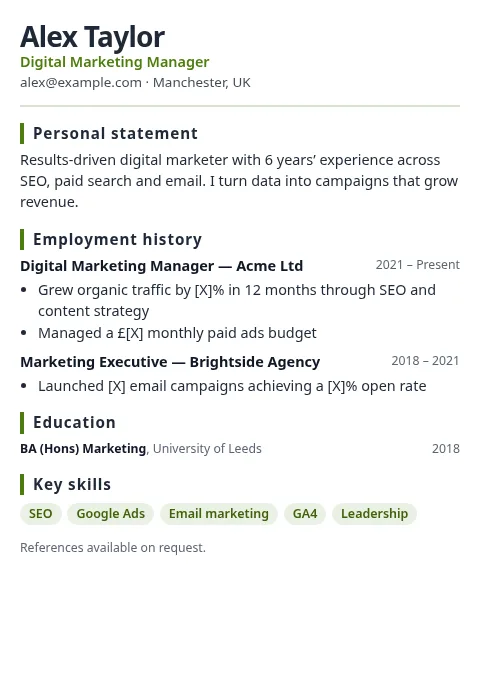 Sage SoftSimple · Professional
Soft green headings with a side bar marker. Friendly and easy to read for care, education and retail.
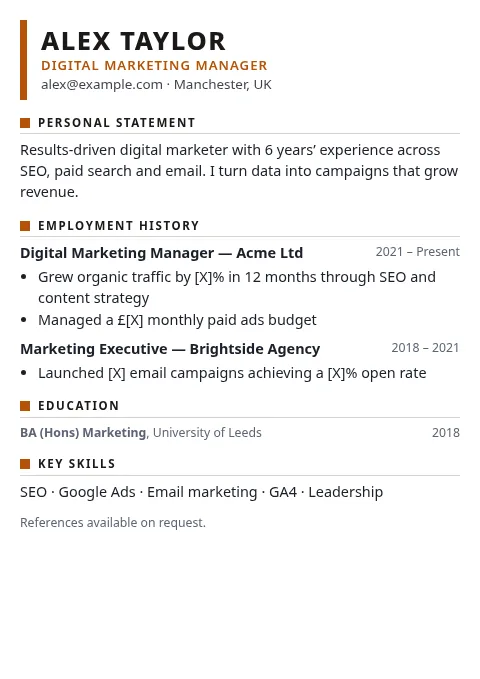 Metro BoldProfessional · ATS
An uppercase name with a bold accent bar. Clean one-column layout that job sites can read easily.
How to choose a CV template
Start with your industry, not your favorite color. Banking, law, insurance and the civil service still reward restraint, so Classic, Executive or Corporate Navy send the right signal. Tech companies and start-ups are comfortable with more personality, so the Tech, Startup Gradient and Timeline layouts fit naturally. Design, marketing and media roles are where the Creative Sidebar, Designer Portfolio and Infographic layouts earn their space.
Then think about length. A school leaver or graduate with one or two roles looks stronger on a design that puts education first, such as Graduate or Academic. Someone with fifteen years of experience usually needs the density of Compact or the long single column of Executive, so the most relevant achievements stay on the first page.
ATS-friendly vs creative layouts
Applicant tracking systems pull text out of your file and sort it into fields. Every template here outputs real, selectable text with standard section names such as Experience, Employment history, Education and Skills, so nothing is trapped in an image. Single-column designs are the most predictable. Two-column designs keep the main story (summary and experience) in the left or main column, with skills and education in the side panel. That works with most modern systems, but if you are applying through a large corporate portal, the ATS-Friendly Plain design is the cautious pick.
A practical approach: keep a creative version to email directly to a hiring manager or bring to an interview, and a plain version to upload to job boards. The builder remembers your content, so switching takes one click.
A4 CV or US Letter resume?
The UK, Australia and New Zealand use A4 paper. The US and Canada use Letter, which is slightly wider and shorter. When you switch the format, the PDF page size changes too, and every template has been checked so text is not cut off at the edges on either size. Expect one page for a typical US resume and up to two for a UK CV; if you run over, try Compact or trim older roles.
Using the accent color picker
Each design ships with a default color chosen to suit its mood, from Corporate Navy's deep blue to the Luxury template's antique gold. Change it to match a company's brand or your portfolio, but keep contrast high: dark blues, greens, burgundies and charcoals print and photocopy far better than pale pastels. The Reset color button restores the original.
Printing tips for a flawless PDF
Use Chrome, Edge or Safari, choose Save as PDF, leave scale at 100% and enable background graphics so header bands and sidebars keep their color. Check the preview before saving: if one line spills onto a new page, shorten a bullet rather than shrinking the scale, because recruiters notice tiny text.
FAQ
Are these CV templates really free?
Yes. All 26 designs, the PDF download and the editor cost nothing, with no watermark and no account. Your details stay in your browser.
Which template is best for applicant tracking systems?
ATS-Friendly Plain is the safest because it uses one column, standard headings and system fonts. Classic, Minimal, Compact, Academic, Executive, Elegant, Monochrome and Graduate are single-column too and parse well. Sidebar designs keep real text, but some older systems may read the columns in an unexpected order.
Can I use the same template for a UK CV and a US resume?
Yes. Switch the format and the layout adapts: A4 paper, a personal statement and references line for the UK, or Letter paper, a summary and skills near the top for the US.
Should I add a photo?
In the UK, US, Canada, Australia and New Zealand, most employers prefer no photo, to reduce bias. The photo-ready designs show your initials instead unless you upload an image.
How do I get a clean PDF?
Click Download PDF, choose "Save as PDF" as the printer, keep margins on Default and turn on "Background graphics" so colored bands and sidebars print.